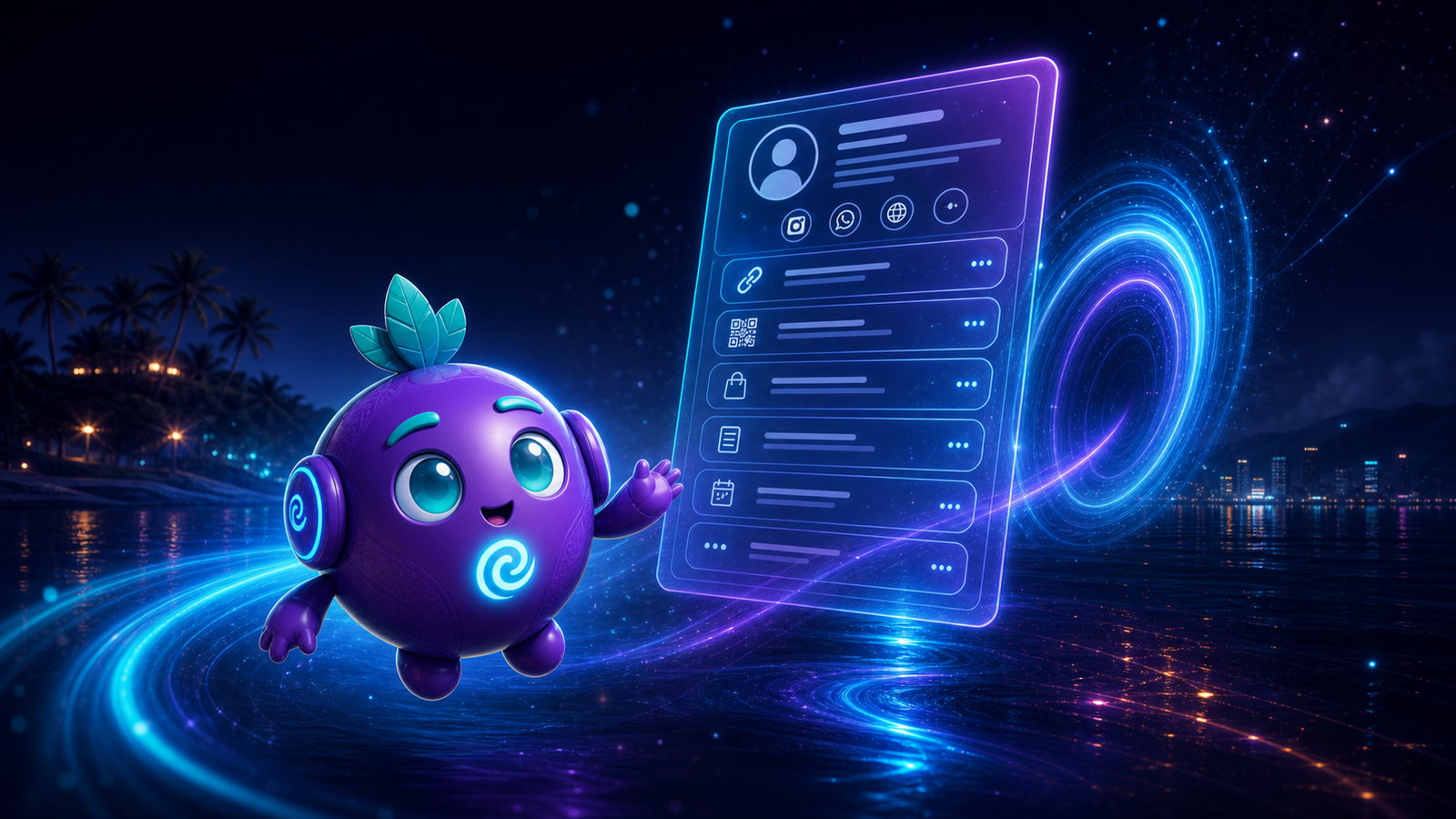



Put your booking link where people look.
Add your BulaLink to your social bio. Customers can go straight from your latest post to your booking page.
SocialsWebsiteOffers
Share a link in your bio or put a QR code on your counter. Customers can browse your catalogue, book a visit or get in touch.
See what customers seeExplore fictional businesses, schools and events through the pages their visitors see.
Past projects and new enquiries.
From the menu to a table for two.
Open days and information for families.
The lineup, the tickets and the way in.
Scan the red monogram to explore the studio example.
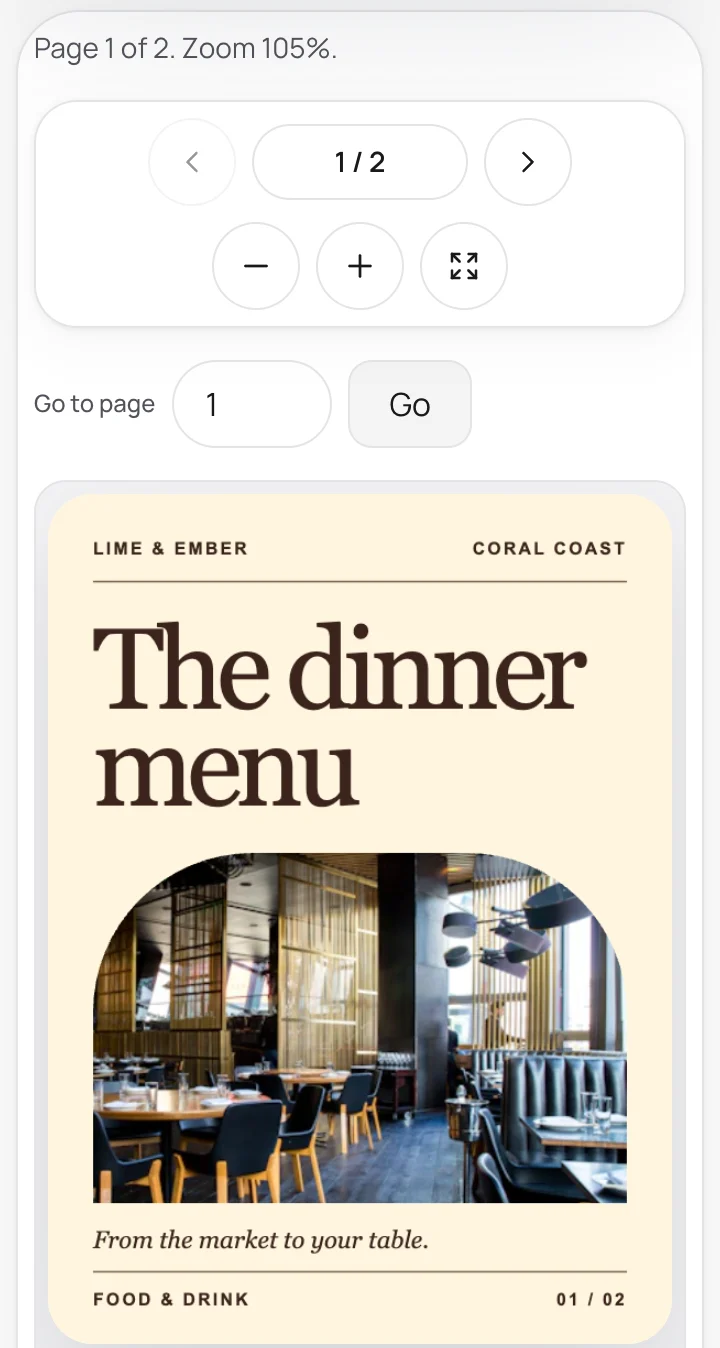
Explore the studio exampleBrowse the dinner menu before booking a table.
Read the dinner menu (PDF)Someone likes what they see but has to go. A scan of your QR code opens a page they can save and come back to later.
Explore the studio example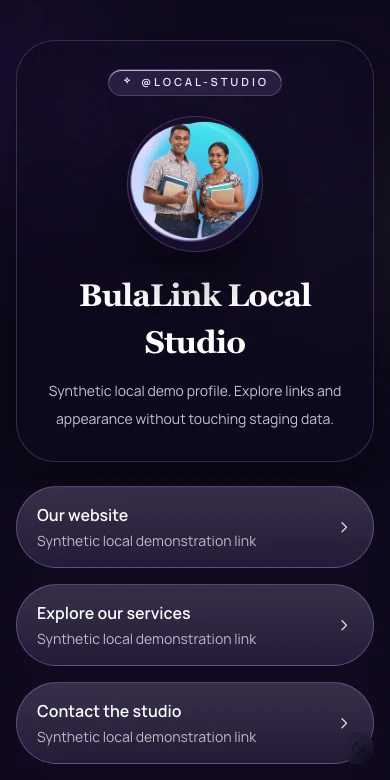
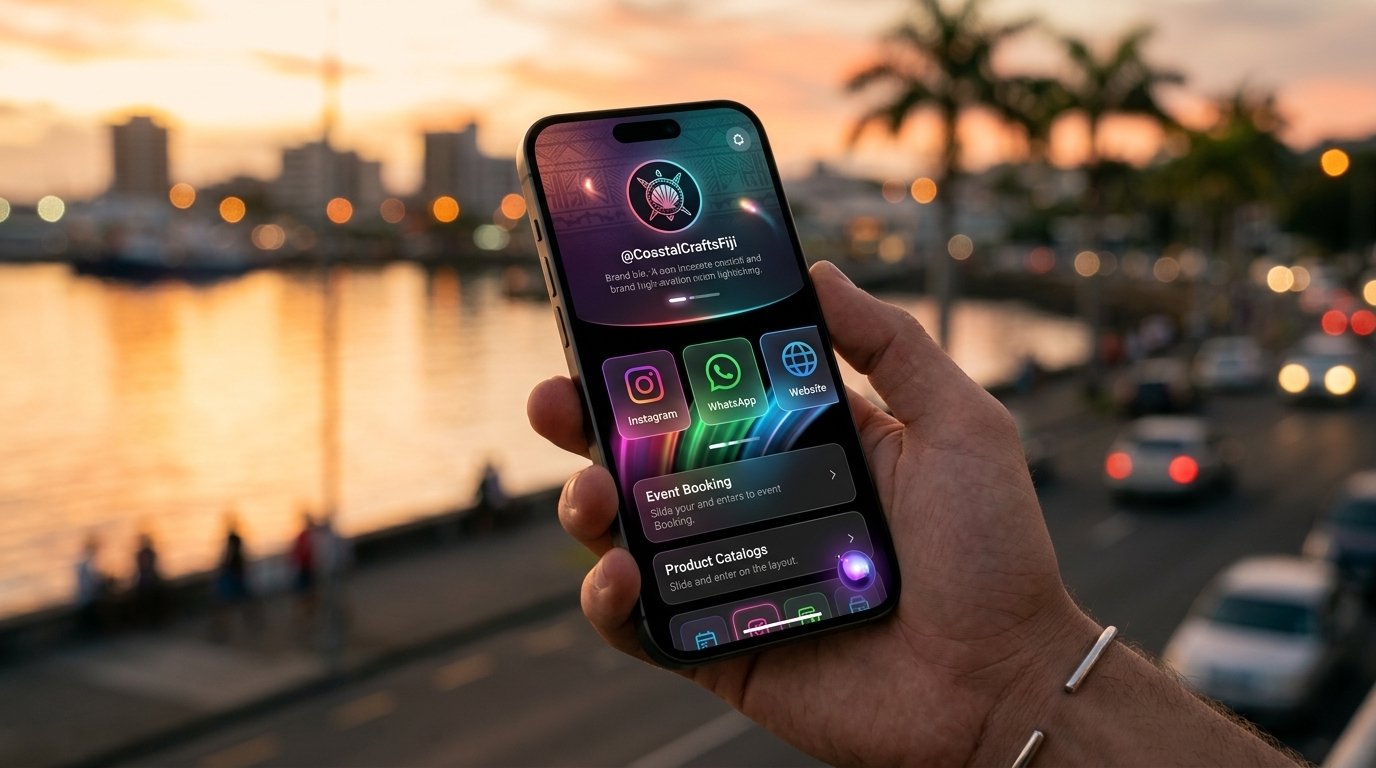

Your menu, your prices, a way to book? Put the answer on your page and share it online or in person.
Claim your BulaLinkFollow a campaign from a printed QR code to a digital visit. Review scans, link clicks and catalogue views to decide what to feature next.
Compare plansAdd your BulaLink to your social bio. Customers can go straight from your latest post to your booking page.
Print a dynamic QR code once. When the new menu is ready, point the same code to it.
Turn your PDF into a catalogue people can flip through on their phone. Add an enquiry button so they can ask about what they see.
Check scans and link clicks after a promotion to decide where to put the next one.
A table at lunch, a gig on Friday, a conversation at your stall. Give people a way to find you again when they’re ready.
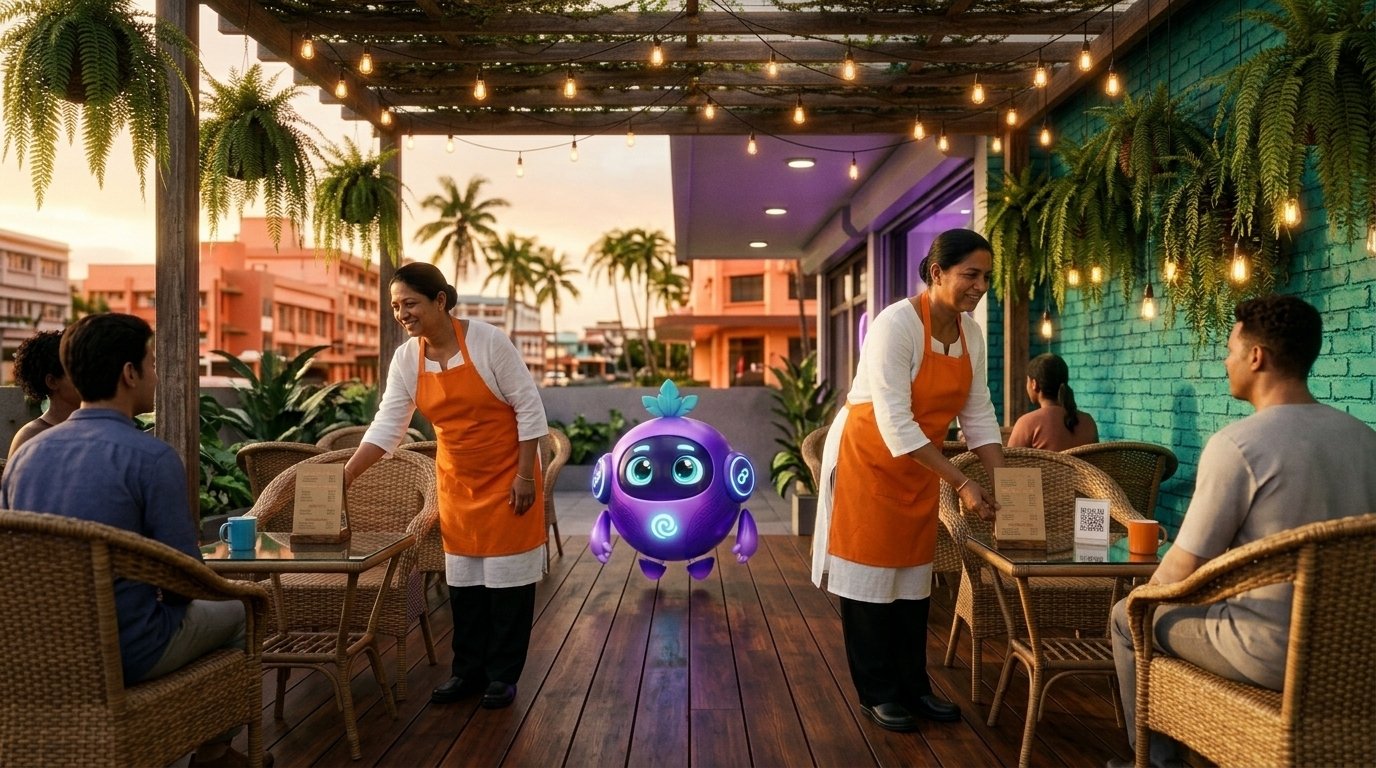

Your workspace brings together your branded public page, links, QR codes, PDF catalogues and campaigns. For a new menu, for example, you can publish the PDF, link to it from your page and share that page from a table sign.
No. Your public page has its own BulaLink address. If you already have a website, you can include it alongside your booking links, social profiles and catalogues.
A dynamic QR code lets you change its destination after printing. A static QR code keeps its original destination. If it points to your BulaLink page, you can still update the content on that page.
Upload a PDF and publish it as a catalogue. Readers can open its public link and turn the pages in their browser on a phone or computer.
Depending on your plan, you can see page views, link clicks, tracked QR scans and catalogue activity. Group links, QR codes and catalogues into a campaign to review how those assets perform together.
Yes. Start with the Free plan for your first workspace. If you manage more brands or locations, choose a plan with the workspace allowance and features you need. Compare plans.
Give customers one address for your profile, catalogues and links.
Continue with email to check availability and create your workspace.